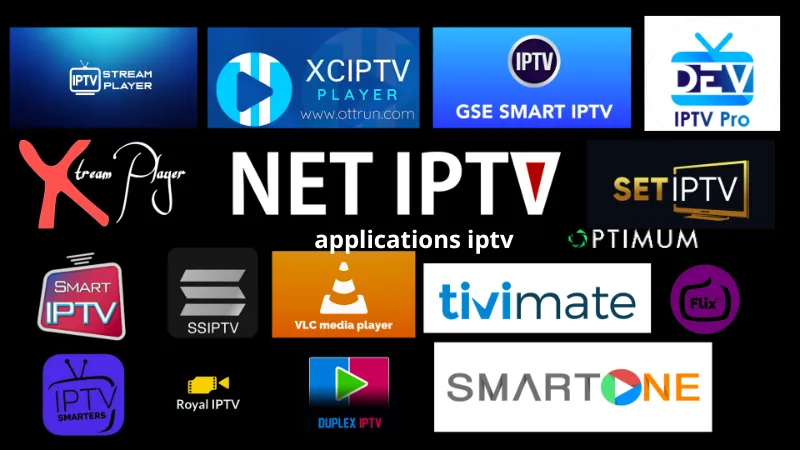
Best Player For iptv Smarters and Best Alternatives for 2025
If you’re looking for the best IPTV Smarters player or powerful alternatives that support high-quality IPTV playback, you’ve come to the right place. In this article, we’ll review the best IPTV players available, their pros and cons, and how to install IPTV Smarters on various devices.
What is IPTV Smarters? And why is it considered one of the best IPTV apps?
IPTV Smarters Pro is one of the most widely used IPTV players due to its powerful features including:
✅ Supports M3U playback and Xtream Codes API playback.
✅ Ability to watch live broadcasts and encrypted channels.
✅ Supports playback of series and movies with the ability to add subtitles.
✅ Elegant and easy-to-use user interface.
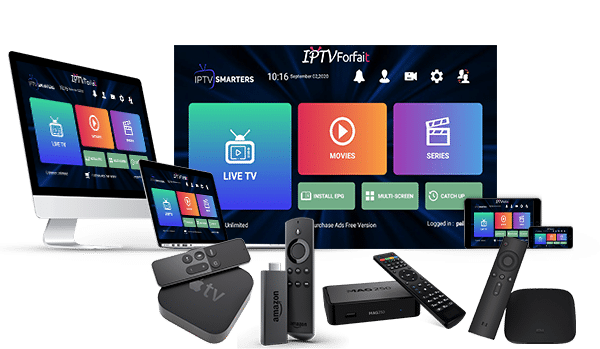
✅ Supports multiple devices such as Windows, Mac, Android, iOS, Firestick, and Android TV.
✅ Catchup TV feature for watching missed programs on some services.
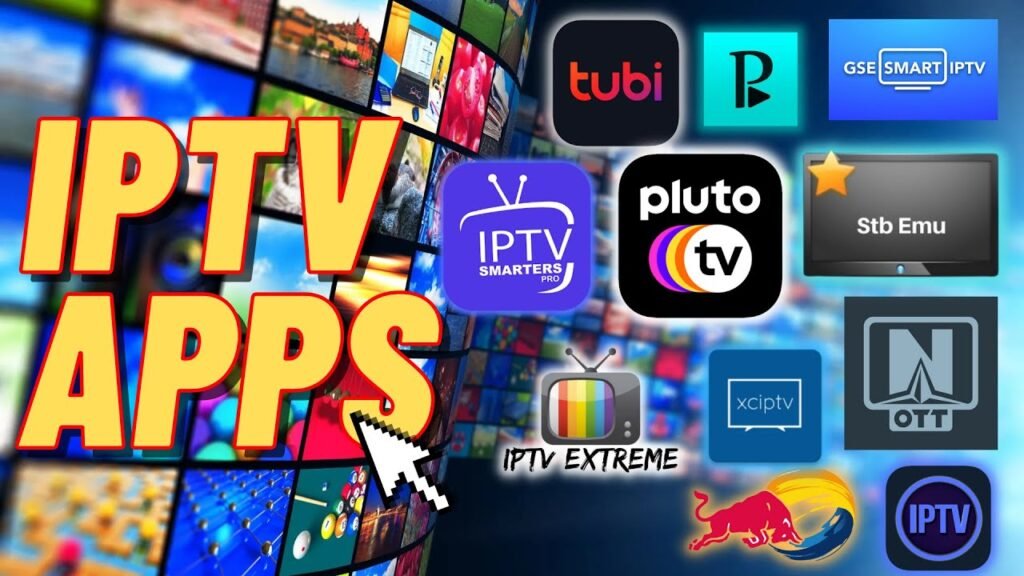
Best player For iptv Smarters on All Devices
1.Best IPTV Smarters Player For PC (Windows & Mac)
If you are using a computer or laptop, here are the best players:
🔹 IPTV Smarters Pro – The official and ideal app for watching IPTV on your computer.
🔹 VLC Media Player – One of the best alternatives for supporting M3U IPTV playlists.
🔹 MyIPTV Player – An easy-to-use app available through the Microsoft Store.
🔹 TiviMate IPTV Player – It has an advanced interface but requires an emulator to use it on your computer.
🔹 Recommendation: IPTV Smarters Pro is the best choice for PC users, especially if you want a modern interface and direct support for M3U files.
2.Best IPTV Player For Android TV And Firestick
If you want to play IPTV on Android TV or Firestick, these are the best options:
🔹 IPTV Smarters Pro – The official best app that supports Firestick and Android TV.
🔹 TiviMate IPTV Player – One of the most powerful apps, but it’s paid after the trial period.
🔹 Perfect Player IPTV – Lightweight, fast, and ideal for low-end devices.
🔹 Flix IPTV – Has a modern interface but requires activation after 7 days.
🔹 Recommendation: TiviMate IPTV Player is best for Firestick users, while IPTV Smarters Pro is an ideal choice for Android TV users.
3.Best IPTV Player For iOS Devices (iPhone & iPad Pro)
If you are an iOS user, these are the best apps:
🔹 IPTV Smarters Pro – Available on the App Store, supports streaming channels and movies.
🔹 GSE Smart IPTV – A very powerful option, supporting M3U files and Xtream Codes.
🔹 iPlayTV – Paid but offers a very smooth experience watching channels in HD and 4K.
🔹 Cloud Stream IPTV Player – A lightweight alternative suitable for casual users.
🔹 Recommendation: iPlayTV is the best option if you’re willing to pay, while IPTV Smarters Pro is free and works for most users.
4.Best IPTV Player for Smart TVs (Samsung, LG, etc.)
🔹 IPTV Smarters Pro – Available on most Samsung and LG devices via official stores.
🔹 Smart IPTV (SIPTV) – A popular app that requires paid activation after a trial period.
🔹 Duplex IPTV – A new option that offers powerful subtitle and channel support features.
🔹 SS IPTV – A free and easy-to-use alternative on LG and Samsung devices.
🔹 Recommendation: IPTV Smarters Pro is the perfect choice for smart TVs thanks to its compatibility with various operating systems.
How to install IPTV Smarters on different devices?
1.Install IPTV Smarters on Android TV and Firestick
1️⃣ Open the Google Play Store on Android TV or use the Downloader app on Firestick.
2️⃣ Search for IPTV Smarters Pro.
3️⃣ Download and install the app.
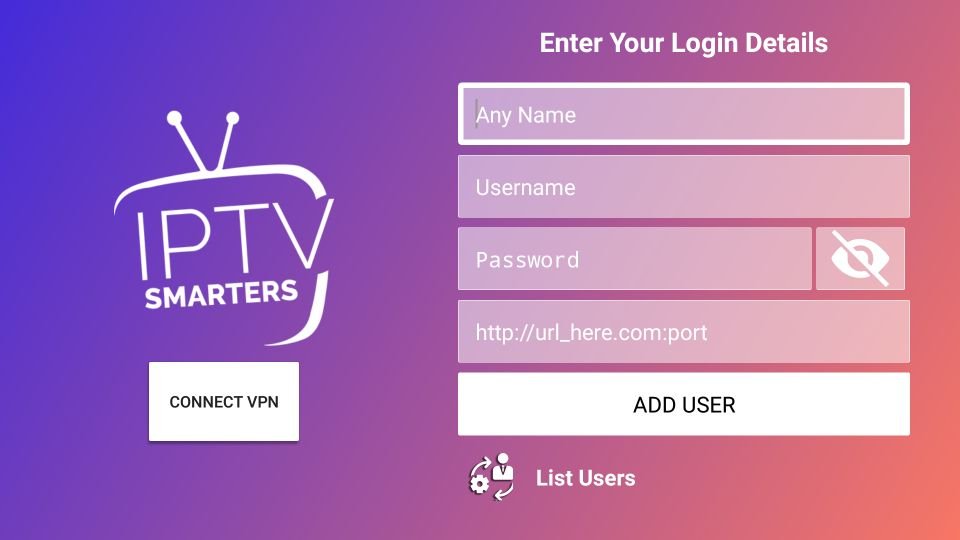
4️⃣ Enter your IPTV provider details and enjoy watching.
2.Install IPTV Smarters on your computer (Windows & Mac)
1️⃣ Download the IPTV Smarters Pro file from the official website.
2️⃣ Install the program on Windows or macOS.
3️⃣ Enter the M3U URL or Xtream Codes.
4️⃣ Enjoy watching live!
3.Install IPTV Smarters on iPhone and iPad
1️⃣ Open the App Store.
2️⃣ Search for and download IPTV Smarters Pro.
3️⃣ Enter your IPTV provider details.
4️⃣ Enjoy live streaming and movies with ease!
Frequently Asked Questions about IPTV Smarters Player
1.Is IPTV Smarters Player free?
🔹 Yes, the app is free, but there is a paid Pro version that offers additional features like DVR and multi-user.
2.Does IPTV Smarters support encrypted channels?
🔹 Yes, but you must have a legal IPTV subscription from a provider that supports encrypted channels.
3.Can IPTV Smarters be installed on Apple TV?
🔹 Yes, the app is available on Apple TV via the official App Store.
4.Why is IPTV Smarters not working on my device?
🔹 Make sure your M3U or Xtream Codes list is valid, and make sure there are no problems with your internet connection.
Conclusion: What is the best IPTV player in 2025?
After comparing all the options, we can summarize the best players for each device as follows:
📌 The best IPTV player for PC is IPTV Smarters Pro or VLC.
📌 The best IPTV player for Android and Firestick is TiviMate or IPTV Smarters Pro.
📌 The best IPTV player for iPad and iPhone is iPlayTV or GSE Smart IPTV.
📌 The best IPTV player for smart TV is IPTV Smarters Pro or Smart IPTV.
Whether you want to stream encrypted channels, movies, or series in HD and 4K quality, IPTV Smarters Pro remains one of the best options available. If you use another app and think it’s worth a try, let us know by contacting us! 🚀