IPTV Problems: A Comprehensive Guide to Solving and Fixing All Issues
Introduction
iptv problems By delivering live TV channels, movies, sports, and video on demand content over an internet connection rather than depending on conventional cable or satellite services, IPTV has transformed television viewing With a suitable IPTV service, users may access thousands of channels, premium entertainment, and high definition streaming on many devices, including Smart TVs, Android TV boxes, Firestick devices, smartphones, tablets, Windows PCs, and Apple devices.
Still, even with its benefits, IPTV has some technical issues Many users may experience IPTV related problems such as buffering, freezing, channel loading failures, login errors, audio synchronisation issues, poor picture quality, application crashes, playlist errors, or network interruptions.
Fortunately, most of these issues may be fixed without sophisticated technical knowledge By finding the root causes and applying the right troubleshooting techniques, users can greatly improve their streaming speed and get a more consistent IPTV experience.
This thorough manual describes the main IPTV problems, offers explanations for their causes, and suggests workable solutions for a variety of IPTV devices and applications.
What Are IPTV Problems?
IPTV problems refer to any issue that prevents an IPTV service from functioning correctly. These problems may originate from several different sources, including:
- Internet connection instability
- Weak Wi-Fi coverage
- Device performance limitations
- IPTV application bugs
- Incorrect playlist settings
- Expired subscriptions
- DNS configuration problems
- VPN conflicts
- Server overload
- Outdated software
Because IPTV depends on multiple technologies working together, identifying the exact source of a problem is the first step toward solving it.
Why IPTV Services Sometimes Experience Problems
Unlike traditional television broadcasts, IPTV streams video over the internet in real time. Every stream passes through several stages before reaching your screen.
The process includes:
- IPTV server
- Internet backbone
- Internet Service Provider (ISP)
- Home router
- Local network
- IPTV application
- Streaming device
A problem at any stage can interrupt playback.
Common IPTV Problems and Their Solutions
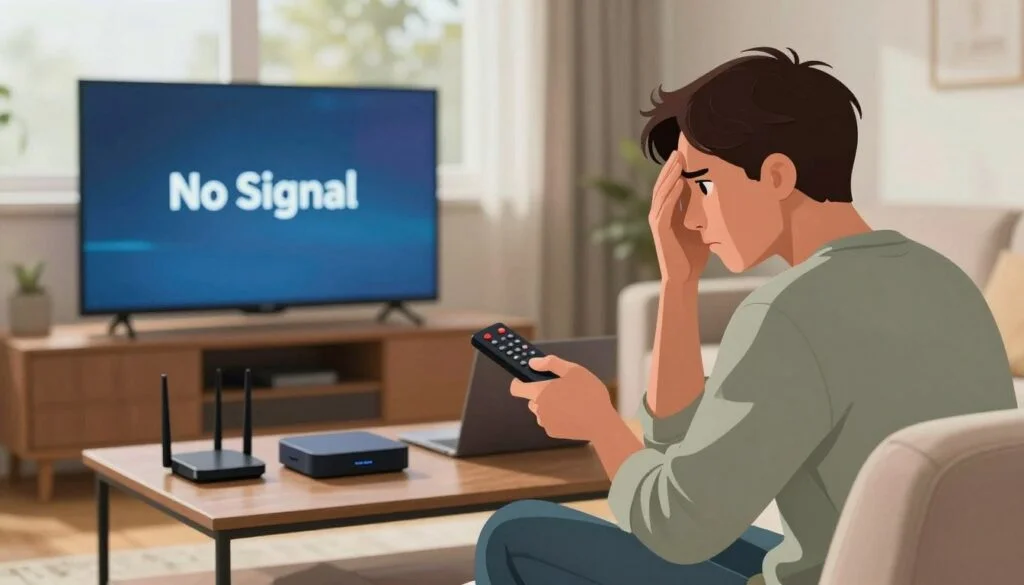
IPTV Buffering
Buffering is the most common IPTV problem.
Symptoms include:
- Loading circles
- Constant pauses
- Video stopping every few seconds
- Interrupted sports streams
Causes
- Slow internet
- Busy IPTV servers
- Weak Wi-Fi signal
- ISP congestion
- High device CPU usage
- Background downloads
Solutions
- Use Ethernet instead of Wi-Fi.
- Restart your modem and router.
- Close unnecessary apps.
- Reduce video quality temporarily.
- Clear IPTV app cache.
- Restart the IPTV player.
- Test your internet speed.
- Avoid downloading large files while streaming.
IPTV Freezing
Freezing differs from buffering because the picture stops while the audio may continue.
Possible Reasons
- Device overheating
- Low RAM
- Corrupted cache
- Outdated application
- Temporary IPTV server issues
Fixes
- Restart the device.
- Update the IPTV app.
- Clear cache.
- Free storage space.
- Reboot your router.
- Allow the device to cool if it becomes hot.
IPTV Channels Not Working
Sometimes only certain channels fail while others continue playing.
Reasons
- Channel maintenance
- Playlist updates
- Regional restrictions
- Server maintenance
- Temporary outages
Troubleshooting
- Refresh your playlist.
- Update the EPG.
- Restart the IPTV app.
- Wait several minutes and try again.
- Contact your IPTV provider if only specific channels remain unavailable.
IPTV Login Problems
Many users experience authentication failures.
Common messages include:
- Invalid username
- Invalid password
- Authorization failed
- Login expired
Solutions
- Double-check credentials.
- Avoid extra spaces.
- Verify account expiration.
- Ensure your internet connection is active.
- Confirm the server URL is correct.
- Reset your password if available.
IPTV Playlist Problems
Incorrect playlist configuration is another frequent issue.
M3U Playlist Errors
Typical errors include:
- Playlist failed to load
- Invalid M3U
- Parsing error
- Empty playlist
Fixes
- Verify the playlist URL.
- Ensure the URL has not expired.
- Reload the playlist.
- Remove duplicate playlists.
- Update to the latest playlist version.
IPTV EPG Not Loading
Without the Electronic Program Guide, users cannot see schedules.
Possible Causes
- Incorrect EPG URL
- Corrupted cache
- Server maintenance
- Outdated application
Solutions
- Refresh the guide.
- Reload the EPG.
- Restart the application.
- Check internet connectivity.
IPTV Audio Problems
Common audio issues include:
- No sound
- Delayed sound
- Audio ahead of video
- Distorted audio
Solutions
- Restart playback.
- Change audio tracks.
- Restart the application.
- Check TV audio settings.
- Update firmware.
- Test another channel.
IPTV Video Quality Problems
Poor image quality often appears as:
- Pixelation
- Blurry images
- Low resolution
- Compression artifacts
Solutions
- Increase internet speed.
- Use wired networking.
- Close background applications.
- Upgrade older hardware.
- Select HD or 4K streams only if your connection supports them.
IPTV App Crashing
Applications occasionally close unexpectedly.
Reasons
- Software bugs
- Full storage
- Outdated firmware
- Memory shortage
Fixes
- Update the app.
- Restart the device.
- Reinstall the application.
- Clear cache and data.
- Remove unnecessary apps.
IPTV Black Screen
Sometimes playback starts but displays only a black screen.
Causes
- Codec incompatibility
- Temporary server outage
- Unsupported video format
- HDMI issues
Solutions
- Restart playback.
- Restart the application.
- Update your media player.
- Check HDMI connections.
- Test another channel.
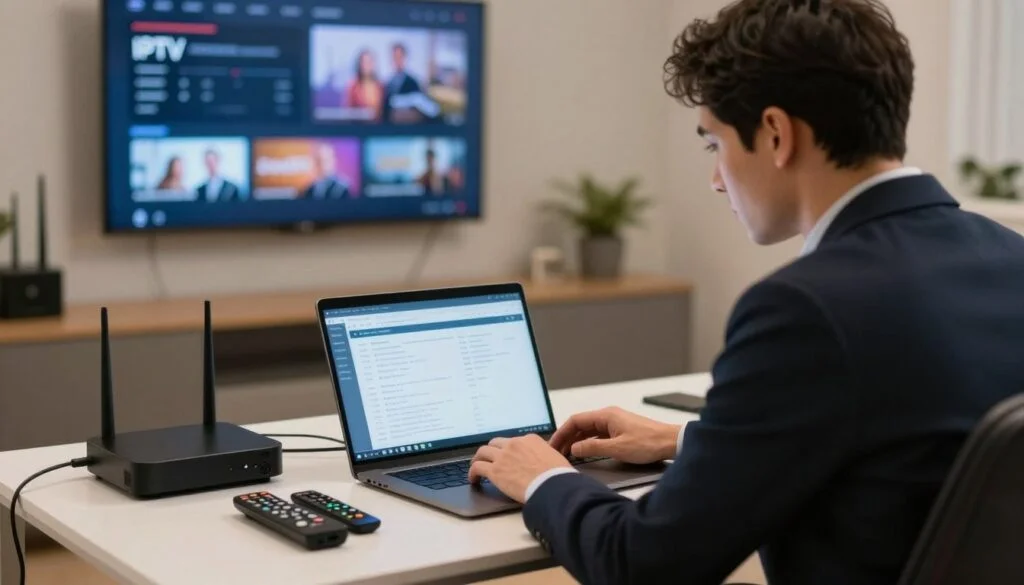
IPTV Connection Timeout
Timeout messages usually indicate communication failures.
Solutions
- Restart your modem.
- Test internet stability.
- Disable unnecessary VPN connections if they interfere with the service.
- Retry after several minutes.
- Verify server information.
Wi-Fi vs Ethernet
Wi-Fi
Advantages
- Convenient
- Wireless
- Easy setup
Disadvantages
- Signal interference
- Higher latency
- Reduced stability
Ethernet
Advantages
- Stable connection
- Lower latency
- Better for live sports
- More consistent speeds
For the best IPTV experience, a wired Ethernet connection is generally the preferred option.
How to Improve IPTV Performance
Several small adjustments can noticeably improve streaming quality:
- Restart your router regularly.
- Keep your IPTV app updated.
- Update your device firmware.
- Restart streaming devices every few days.
- Close unused applications.
- Maintain adequate free storage.
- Keep playlists up to date.
- Refresh the EPG periodically.
- Position your Wi-Fi router in an open, central location if using wireless.
Device-Specific Tips
Smart TVs
- Keep the TV firmware updated.
- Restart the TV occasionally.
- Clear application cache if supported.
Fire TV Stick
- Restart the device weekly.
- Free up storage.
- Close background applications.
Android TV
- Update Android regularly.
- Clear app cache.
- Remove unused apps to improve performance.
Windows PC
- Keep drivers updated.
- Close bandwidth-heavy applications.
- Use a reliable IPTV player.
Smartphones and Tablets
- Update the operating system.
- Clear application cache.
- Ensure sufficient storage is available.
Preventing Future IPTV Problems
Preventive maintenance reduces the likelihood of recurring issues.
Good habits include:
- Using reliable internet service.
- Updating apps and device software.
- Restarting networking equipment periodically.
- Avoiding overloaded Wi-Fi networks.
- Keeping playlists and account details current.
- Monitoring available storage space.
Frequently Asked Questions
Why does my IPTV keep buffering?
Buffering is commonly caused by slow or unstable internet connections, Wi-Fi interference, device limitations, or temporary server congestion. A wired connection and updated software often improve performance.
Why are some IPTV channels unavailable?
Individual channels may be offline due to maintenance, playlist changes, or temporary server issues. Refreshing the playlist and waiting for updates often resolves the problem.
How much internet speed do I need for IPTV?
For smooth HD streaming, around 10 Mbps is generally sufficient. Full HD benefits from about 20 Mbps, while reliable 4K streaming usually requires 35–50 Mbps or more, along with a stable connection.
Why does my IPTV app crash?
Crashes can occur because of outdated software, limited device memory, full storage, or application bugs. Updating the app and clearing cached data often helps.
Can Wi-Fi affect IPTV quality?
Yes. Weak signals, interference, or network congestion can reduce streaming quality. Ethernet typically provides a more stable experience.
Final Thoughts
Despite their frustration, IPTV problems can be resolved with a systematic approach Most are simple and easy to follow The first step to restoring normal streaming is identifying the cause of the problem, whether it’s buffering, freezing, login failures, playlist errors, poor video quality, app crashes, or something similar.
You can also minimize interruptions and achieve a more stable, freeze free IPTV experience by maintaining a consistent internet connection, updating your apps and devices, managing your storage space, and following the troubleshooting guidelines in this guide By regularly maintaining and quickly addressing minor issues, you can ensure smooth streaming of live TV, movies, sports, and on demand content across all your compatible devices, always enjoying the best possible experience.
